How to scan and organize paper documents in a small shared home
· Editorial team bostonnewsemma.com
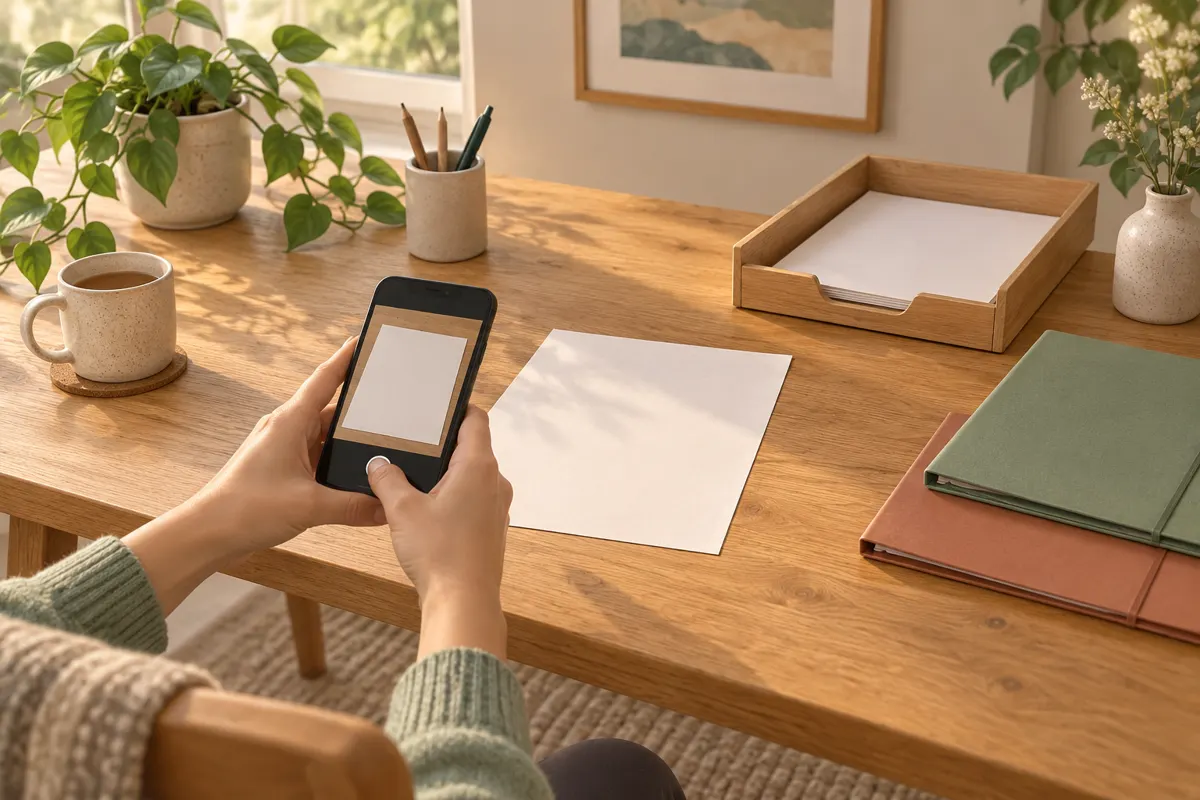
Scan papers into readable PDFs, give each file a descriptive name, and keep personal records separate from household documents. Before discarding any paper, open the saved scan, check every page, and decide whether you still need the original. In a small shared home, a compact inbox and a simple filing routine can keep paperwork manageable.
Start with one small paper inbox
A proposed setup for roommates is one slim tray for shared household paperwork, plus a private envelope or folder for each person. Use a temporary patch of table for processing, then put everything away. Agree that nobody scans or discards another person’s papers without their consent.
- Action needed: bills to pay, forms to return, or questions to resolve.
- Scan and file: records worth keeping digitally.
- Keep the original: important papers that need physical storage.
- Discard: unwanted papers with no remaining purpose.
Keep action papers visible until the task is finished. Scanning an unpaid bill does not pay it. For shared tasks, attach a note with the responsible person and deadline so the paper does not circulate between roommates.
Capture a scan you can actually read
A smartphone scanning app or a standalone scanner can turn paper into PDFs. Keep the pages of one document together, such as a bill and its accompanying details, so they remain understandable when opened later.
- Flatten the paper on a clear surface with even light. Move your phone or the light if your hand casts a shadow.
- Capture the whole page, including page numbers, signatures, and writing near the edges.
- Inspect the crop and rotation. Retake pages with blur, glare, or missing corners.
- Include relevant reverse sides and arrange pages in their original order.
- Save as a PDF, then zoom in to check small print, dates, and amounts.
For faded receipts or handwritten notes, compare the scan with the paper before moving on. Avoid filters that remove faint marks. Readability matters more than making every page look perfectly white.
Choose filenames and folders everyone understands
Descriptive filenames and folders by document type make saved records easier to locate. A backup gives you another copy if the device holding your files fails.
A proposed naming pattern is YYYY-MM-DD_organization_document-type.pdf. For example, 2026-09-01_Electricity-provider_Bill.pdf describes the contents without opening the file. Use the document’s date consistently; if it has none, use the scan date and add scan-date to the name.
- Shared home: subfolders for utilities, household purchases, and maintenance.
- Personal records: each roommate’s private storage for their own documents.
- To process: a temporary place for scans still awaiting checks or filing.
Add year folders only when a category becomes crowded. Avoid names such as final-new or scan003. If a corrected scan replaces an unreadable one, verify the replacement before removing the duplicate.
Separate shared access from private storage
Proposed household rule: share only documents that roommates need to manage the home. Keep identification, medical paperwork, personal banking records, and employment documents in private storage. A folder named Personal inside a shared folder should not be treated as private.
Check who can open the shared folder and whether they can edit or delete files. Use individual accounts where possible, protect account access, and review sharing when someone moves out. Before uploading sensitive papers, check where your scanning app stores copies.
Keep a backup in a separate storage location, such as an external drive or another appropriate storage service. Open a backed-up file occasionally to confirm that the copy is accessible.
Check originals before clearing the tray
Keep important originals such as birth certificates and passports securely stored. Do not assume a scan replaces an original, and avoid applying one retention deadline to every document. If you are unsure, keep the paper while checking the requirements relevant to it.
- The saved PDF opens from its final folder.
- Every required page is present and readable.
- The filename makes sense and the backup exists.
- Any related task is complete and the owner agrees to disposal.
Shred discarded papers containing sensitive information. As a proposed maintenance habit, process the inbox weekly and file electronic statements directly when they arrive. Work through older piles in small batches so the project does not take over the shared table.